
React, Framer, Webflow and Figma templates: what do you receive?
Understand source projects, built HTML, native platform projects and editable design layers before buying. Format checks grounded in actual Templa download examples.
By Templa · 5 min read · · Updated
The answer before you buy
A website's visual style and its downloadable file format are different things. A preview may originate from Framer or Webflow while the product you receive is organized React/Vite source. An image of a website is not an editable design file, and a ZIP of HTML is not automatically a native platform project.
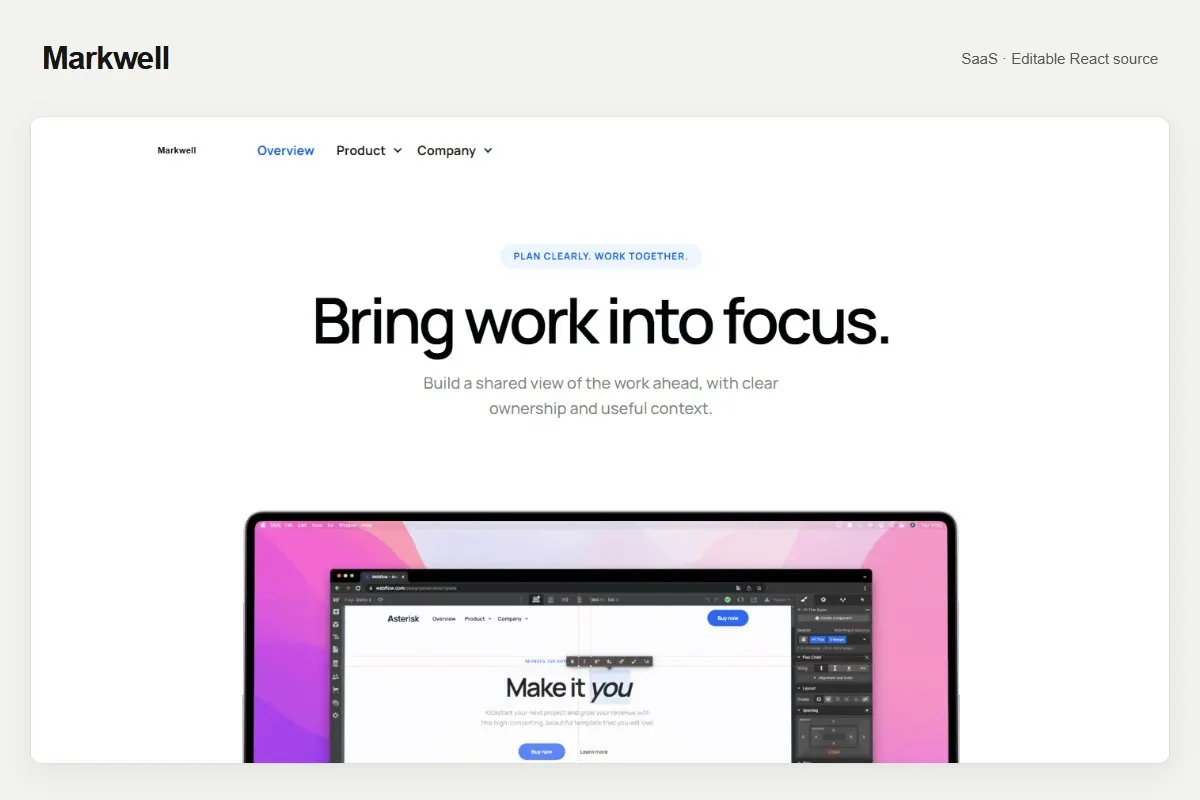
Before choosing a Templa template, read the product's source description and included files. Then select the workflow you can maintain. This guide explains the distinctions using the inspected Templa package inventory, with Flowmint, Markwell and Gridcraft as concrete examples. It does not promise that every future product ships the same formats.
React source: a code editing workflow
The three inspected example downloads contain package.json, React dependencies, Vite build scripts, editable JSX and local content or media files. That is a source project for development in a code editor. You install its dependencies, edit files, build it and deploy the generated output to an appropriate host.
Flowmint's inspected manifest declares React 18.2.0; Markwell and Gridcraft declare React 19.2.4. All three have a build script that runs Vite and then a route-writing tool. Follow the README inside your actual ZIP for installation and deployment. See the React launch walkthrough for a practical checklist.
A source project is a useful starting point when you want control over components and hosting, or have a developer supporting the launch. It still needs your real content and integrations. It is not a turnkey authentication, payment or CMS service simply because those features appear in a demonstration page.
HTML output: the built presentation
HTML, CSS, scripts and assets can represent a built website ready for static hosting. The output is different from the source used to generate it. In a React/Vite project, dist/ is generated during the build; edit the source first, then build again. Changes made only inside dist/ can disappear on the next build.
Static hosting also needs the right route structure and asset paths. A direct refresh of a product or article page must work, not only client-side navigation from the home page. The inspected examples run tools/write-routes.mjs after Vite to create static entry documents. Keep that step and upload the complete output folder as documented.
Even if an exported page looks accurate, test interactive elements and service connections separately. Appearance does not prove that a search, contact form or checkout is operational.
Framer: verify a native project separately
A native Framer workflow uses a Framer project that you can open and edit in its platform. A recovered React website does not become that project because its visual source originated there. Flowmint's README explicitly says its download is not the original Framer editor project.
If you need to edit entirely inside Framer, ask whether the product includes a supported native project or remix workflow, and confirm exactly what is delivered. Do not buy a code-only download expecting it to populate Framer's canvas automatically. External code, media and service integrations also need separate compatibility checks.
Framer's official developer documentation describes its supported integrations. Use those documented mechanisms rather than assuming that any React application can be imported as a complete editable site.
Webflow: a code component is not a Designer conversion
A native Webflow project and a React component imported through a supported code workflow are separate deliverables. Markwell and Gridcraft originated from Webflow presentations, but their inspected README files explicitly identify the downloads as recovered React source, not the original Webflow editor projects.
Webflow's code-component workflow can expose React components to the Designer. It involves platform tooling, component definitions and a built library; it is not a general ZIP importer that converts every JSX element into a native Designer element. Component properties and editing behavior depend on the integration you implement.
If the native Designer workflow is essential, verify that the product includes it before payment. If you choose a React integration, agree on the component boundaries, editable properties, assets and publishing checks. Avoid treating a successful library upload as proof that all pages and interactions are converted correctly.
Figma: design layers and website behavior
Figma is a design workflow. A Figma import may produce editable text, shapes, frames and components, or may contain images that reproduce the appearance. Those outcomes have very different editing value. Ask what parts are editable and examine a sample before relying on a conversion.
A Figma file does not execute the original website's forms, CMS, authentication or checkout. Layout and component behavior must be implemented for the target website separately. Imported button shapes are not automatically a working purchase flow.
The inspected React ZIPs do not establish that a native Figma file is included. Check the actual product's included formats; do not infer delivery from a technology badge or the fact that a conversion tool exists. A design handoff can be useful, but it should be described as its own deliverable.
Choose a format with this checklist
| Your requirement | What to verify |
|---|---|
| Edit in a code editor and control deployment | Source manifest, documented build, JSX/content files and deployment instructions |
| Edit in Framer's canvas | A supported native Framer project/remix deliverable explicitly included |
| Edit with Webflow Designer elements | A native Webflow deliverable explicitly included, or clearly scoped code components |
| Design review and prototyping in Figma | An included Figma file and a sample demonstrating editable layers/components |
| Publish built files to static hosting | Complete HTML/CSS/scripts/assets, correct paths and direct route refresh behavior |
Keep the deliverable description with your project brief. Check included pages, responsive behavior, third-party assets, integration boundaries and support scope. Rebranding a template does not remove the terms that apply to its libraries, fonts or photos.
When to ask for implementation help
If you need a different target format, ask for a scoped conversion before buying on that assumption. Provide the exact template, target platform and editing requirements. “Editable” is more useful when it names what you will edit: text, images, JSX sections, component properties or native design layers.
Browse the Templa collection for the current product descriptions, or send a custom-service brief for a workflow that needs implementation work. The SaaS template guide explains the marketing-site boundaries in the Flowmint and Markwell examples.
This guide was AI-assisted and checked against the package manifests, README files and linked platform documentation. It describes the inspected examples and format distinctions, not a new platform conversion, universal import guarantee or bundle of formats added to your download.
Questions & answers
Does a React ZIP automatically import as a native Framer or Webflow project?
No. A code-source project and a native platform project are separate formats. Verify that the product explicitly supplies a supported native deliverable; the inspected examples are recovered React/Vite source.
Is a Webflow code component the same as editable Designer elements?
No. Webflow code components expose React components through the supported integration. Their editable properties and behavior depend on that component definition; this does not automatically convert every JSX element into a Designer element.
Does a Figma import make forms or checkout work?
No. Figma is a design workflow. Imported layers or components do not execute the original website backend, authentication, CMS or payment behavior. Implement those services separately.
Should I edit the generated dist folder?
Edit the source and build again. dist is generated output and manual changes there may be replaced by the next build. Follow the package README and verify direct route refreshes on the intended host.